When you first plug an Android box into your TV, the promise of endless channels feels intoxicating. Yet many users discover that their iptv for android box sputters, buffers, or drops entirely within days. The culprit is rarely the service itself; more often it’s a simple misstep during setup or maintenance. This guide pinpoints the most frequent errors and shows you how to avoid them, so your streaming stays smooth throughout 2026.
Common Network Misconfigurations That Kill iptv for android box Performance
Even a high‑speed plan can falter if the Android box sits on a congested Wi‑Fi band. Many owners forget to switch from the default 2.4 GHz network to the faster 5 GHz channel, where interference is lower and bandwidth higher.
Another hidden snag is the MTU (Maximum Transmission Unit) setting. An oversized MTU can cause packet fragmentation, leading to choppy playback. Adjusting the MTU to 1500 or testing lower values often restores stability. Finally, ensure your DNS points to reliable servers—Google’s 8.8.8.8 or Cloudflare’s 1.1.1.1 are solid choices.
How to Optimize Your Router for iptv for android box
Log into your router’s admin page, locate the Wi‑Fi settings, and select the 5 GHz band. Enable “Band Steering” if available, then create a dedicated SSID for the Android box. Next, navigate to the QoS section, add the device’s MAC address, and set its priority to ‘High’. Save changes and reboot both router and box.
Choosing the Right IPTV App – Avoiding Incompatible Software
Not every IPTV player works flawlessly on Android TV hardware. Apps that rely on outdated codecs may crash when encountering newer stream formats like HEVC. The safest bet is to use a player that supports both MPEG‑TS and HLS, such as the official Xtream IPTV client, which receives regular updates and integrates seamlessly with our premium backend.
Beware of third‑party apps that promise “free unlimited channels.” They often embed malicious code, trigger ad floods, or simply stop working after a few days. Sticking to reputable sources—like the Google Play Store version of Xtream IPTV—keeps your device secure and ensures consistent EPG data.
Hardware Limitations: When Your Android Box Needs an Upgrade
Older Android boxes may lack the processing power to decode 4K HDR streams smoothly. If you notice constant frame drops while watching high‑resolution content, check the CPU specifications.
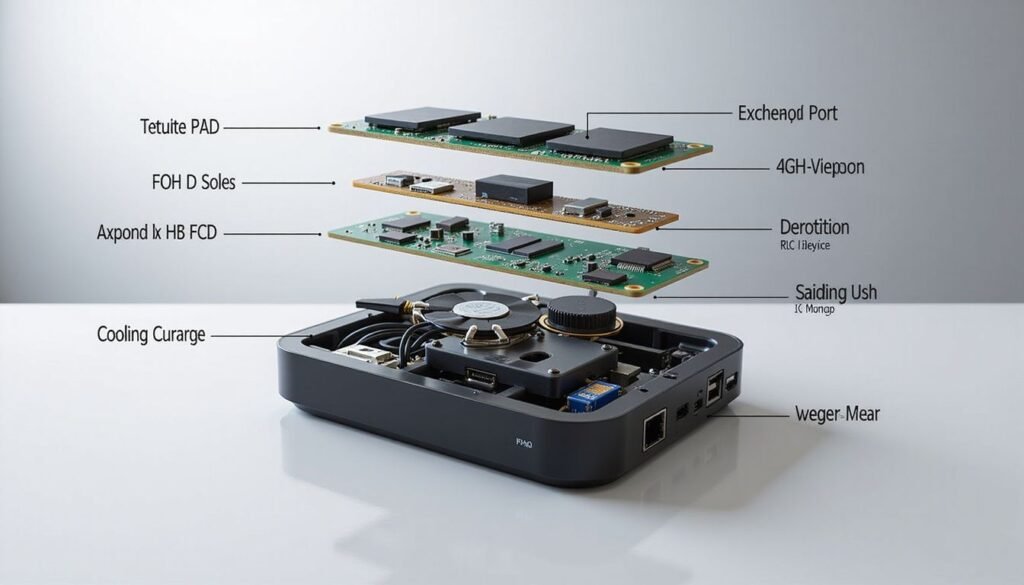
Thermal throttling is another silent killer. Boxes placed in cramped cabinets can overheat, causing the system to down‑clock and stutter. Provide adequate ventilation, or consider adding a small fan to maintain optimal temperatures during marathon viewing sessions.
Practical Checklist to Secure Your iptv for android box Experience
- Connect to a 5 GHz Wi‑Fi network and enable router QoS for the box.
- Set DNS to 1.1.1.1 or 8.8.8.8 for faster name resolution.
- Install the official Xtream IPTV app from the Play Store.
- Verify the box meets minimum CPU/RAM specs for your desired resolution.
- Keep firmware updated; check the manufacturer’s website monthly.
- Maintain proper ventilation to avoid thermal throttling.
Following this list dramatically reduces the odds of unexpected outages. For a deeper dive into each step, see our channels list and explore the full range of premium content available.
FAQ – Quick Answers to Common Concerns
- Can I use a VPN with my iptv for android box? Yes, a reputable VPN can mask your IP and protect privacy, but choose one with fast servers to avoid added latency.
- What if the stream keeps buffering despite a wired connection? Check the MTU size, update the IPTV app, and confirm your ISP isn’t throttling port 443, which many IPTV services use.
- Is it safe to sideload third‑party IPTV apps? Generally not; sideloaded apps often contain hidden ads or malware. Stick to the official Play Store version.
- Do I need a separate remote for my Android box? Most boxes work with the supplied IR remote, but a Bluetooth keyboard can simplify navigation, especially for EPG searches.
- How often should I renew my subscription? Our premium plans auto‑renew yearly, ensuring uninterrupted access and the latest channel updates.
By addressing these questions early, you prevent frustration and keep your entertainment flowing.
Conclusion – Stay Ahead of the Curve
Investing in a quality iptv for android box setup pays off only when you avoid the pitfalls outlined above. From network tweaks to hardware checks, each step builds a resilient streaming environment. With Xtream IPTV’s reliable backend and the practical safeguards detailed here, you’ll enjoy crystal‑clear channels without the dreaded interruptions that plague many users in 2026.
Ready to upgrade your experience? Visit Xtream IPTV for premium plans, or explore BuyIPTV for additional options. Your flawless streaming journey starts now.